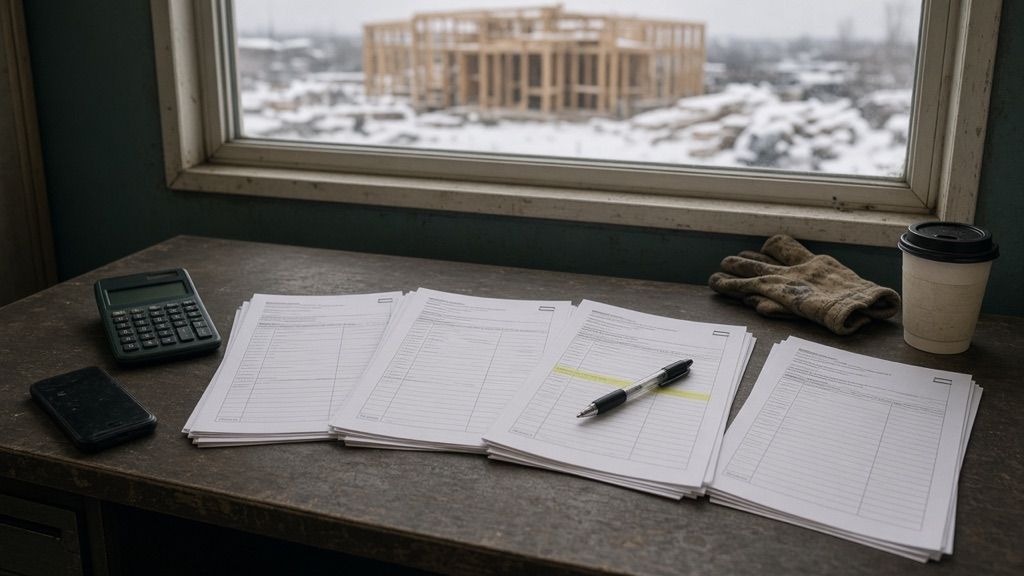
The AI prepares. You sign.
Reading hundreds of pages, sorting the replies, retyping the prices: with AI, that work now costs almost nothing. What still carries weight is the person who puts their name on the price. Quottea is built for that person.
The bottleneck has moved
The slow part used to be doing the work. Now it is knowing whether you can trust it. On a bid, you see it at every step but one.
Plans and specs
The work was reading all of it: hundreds of pages to find out what needs pricing.
A summary comes back fast. The work is making sure it misses nothing, like the change slipped into addendum No. 7.
The quotes that come in
The work was retyping every price into Excel, one PDF at a time.
The amounts are read for you. The work is spotting the exclusion in small print at the bottom of page 3.
The price you submit
A person signs it and answers for it.
A person signs it and answers for it. It is the only step that has not changed.
What the AI does, and how you check it
The AI reads and proposes. For everything it produces, Quottea shows you where it came from. Checking a figure should not take longer than reading it.
Document analysis
- Reads your plans, specs, and addenda, then proposes the scope of work, the items to verify, and the bid packages.
- Every item cites the document, the page, and the excerpt. With no excerpt on the page, the item is dropped rather than guessed.
Reading the replies
- Files each reply under the right request and reads the PDF quotes: amounts, inclusions, exclusions, and conditions.
- Every amount is checked against the page. One click opens the PDF at the exact excerpt.
Comparison
- Writes an analysis of the confirmed quotes, set side by side: prices, taxes, inclusions, exclusions, and revisions.
- Differences and totals come from the software, never from the model. The analysis helps you decide; it names no winner.
Tea, the AI assistant
- Answers your questions about the project and drafts your invitations, follow-ups, and replies.
- Every answer cites the records it names. A proposed change shows beside the old value and waits for your confirmation.
What only you can sign
Quottea stops where your name begins. These decisions stay with a person, whatever level of AI assistance your workspace allows.
The price you submit
Quottea suggests no margin and no discount. It gives you amounts you can check; the final number is yours.
The subcontractor you choose
No automatic award and no recommended winner. Every decision is recorded.
What goes out to your subcontractors
Tea writes the draft. No email leaves until you press Send.
The amounts you keep
An amount read from a PDF or given to Tea is accepted only once you confirm it.
Nobody can check a percentage chance of winning. Anyone can check an amount cited to its page. That is why Quottea sticks to the second.
AI and your bid
What estimators ask us before they trust Quottea with a first bid.
Does Quottea’s AI set the price of my bid?
No. Quottea reads your subcontractors’ quotes, compares them, and helps you build the bid schedule from the lines you keep. The margin and the final price remain your decision.
Does Quottea estimate my chances of winning the tender?
No. A probability of winning cannot be checked by the person reading it. Quottea sticks to what you can open: the project documents, the quotes received and, on a company’s page, its SEAO public contracts.
How do I know the AI read a quote correctly?
Every extracted amount links to the page it came from: one click opens the PDF at the excerpt. In the document analysis, an item whose excerpt is not on the page is dropped instead of guessed.
Can the AI email my subcontractors for me?
It can draft, not send. Tea opens the draft in the send window; you read it, edit it if needed, and press Send, or not.
Can we limit the AI in our workspace?
Yes. Your workspace owners and admins control the level of AI assistance allowed and can turn off assisted actions and decisions.

Get ready for your next tender
Book a demo: we look together at how you prepare your bids, then we create your workspace. Not ready for a call yet? Join early access.