


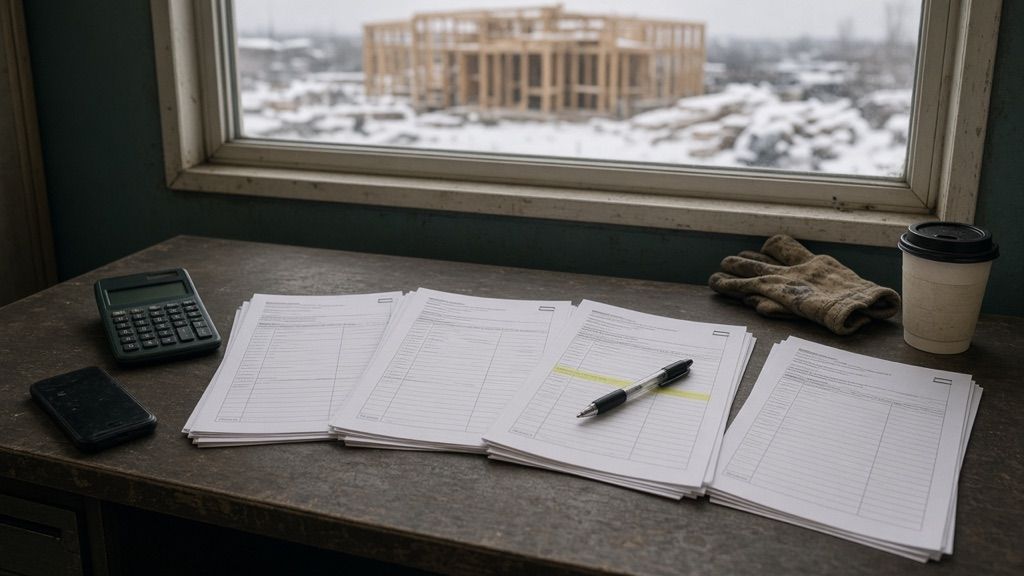

From plans to decisions.
Your complete bidding cycle: Quottea reads your plans and specs, prepares your bid packages, invites your subcontractors from your own email, and compares their quotes.
Quottea is in early access: after the demo, we set up your workspace with you.
Up to the closing
From the day the plans arrive to the closing time, here is what changes at each step, last-minute addenda and phone prices included.
Plans and specs arrive
Hundreds of pages to read by hand to work out what needs pricing.
Our analysis proposes the scope, the items to verify, and the bid packages.
Invite the subcontractors
Phone calls, spreadsheets, and the RBQ website, then emails written one by one.
The directory by bid package and by distance from the site, then one send from your own mailbox, documents attached.
Addendum No. 7 arrives
Reread, find what changed, and warn every invited firm.
Add it to the documents: the analysis reads it again, and Tea drafts the notice to the invited firms for you to send.
Prices come in from everywhere
PDFs in the inbox and a price given over the phone, jotted on the corner of a desk.
Each reply is filed under its request and read. A price by phone? Tell Tea: it records it once you confirm.
Bids close
Prices retyped into Excel at the last minute.
Quotes compared side by side, then the bid schedule.
One workspace, from the plans to the decision.
Five steps that follow one another without switching tools: read the documents, find who to invite, send, receive the replies, and compare them.
Document analysis
Upload plans, specs, and addenda. Quottea proposes the scope of work, the items to verify, the bid packages, and a bid schedule. Your team reviews before anything goes out.
- Scope
- To verify
- Bid packages
- Bid schedule
Directory and subcontractors
Start from your bid packages to find who to invite: your private directory and an enriched register of RBQ-licensed companies, by type of work and by distance from the site.
- Private directory
- RBQ directory
- Distance from site
Send from your own email
Write once and send to every firm in the bid package from your own mailbox, with the documents attached as one link. Subcontractors reply as usual, with no account or portal, and can say whether they will bid in one click.
- Templates
- Attached documents
- Intent to bid
Reading the replies
Replies land in your mailbox; Quottea files them under the right request and reads the PDF quotes. Amounts, inclusions, exclusions, and conditions are extracted automatically.
- Filed by request
- PDF extraction
- PDF import
Comparison
Quotes are compared side by side: prices, taxes, inclusions, exclusions, and revisions. Differences are computed by the system, and Quottea provides an AI comparative analysis.
- Side by side
- AI analysis
- Revisions
- Decision recorded
Tea, your AI assistant
Ask about your projects, your requests, your quotes… Tea goes through your project documents, gives you the answers, and acts on your decisions once you confirm them.
Meet TeaTea
You :
Do the masonry quotes include winter heating and scaffolding?Two of the three include scaffolding. Only one includes winter heating; another excludes it in its notes. The third mentions neither: worth confirming with the firm.- Quote · page 2
- Quote · page 3
You :
Find licensed roofers within 50 km of the siteHere are the firms holding a relevant RBQ licence within that radius, with their distance from the site. You choose which ones to add to the request.- RBQ register
- Project site
You :
Draft a follow-up for the firms that have not repliedThe draft is in the send window. Read it, edit it if needed, then press Send.- Draft
- Request · Masonry
Data built for Quebec
The sources you already check by hand are linked to your bid packages, your firms, and your requests.
54,000+
Enriched RBQ register
Access to an enriched register of companies, built from the public register of the Régie du bâtiment du Québec.
NMS/CSI
Divisions and work categories
Lot generation and quote analysis based on industry standards.
SEAO
Public contracts
Access to SEAO public contracts, shown on each company’s page.
FR · EN
French and English
A fully bilingual platform, from your workspace to the AI assistant, all the way to the decision.
Get started with Quottea
Three steps, with no heavy migration and no mandatory training.

Book a demo
An analysis of your current process and a definition of your needs for the new solution.

Your workspace is created
You invite your team and assign the roles you need.

Connect your mailbox and your list
Connect the mailbox you use for quotes, then import your subcontractor list.
You stay in control
Four rules that hold whatever task the AI is given.
Every figure links to its page
What Quottea reads in a document is kept only if it is on the page. An amount, an exclusion, or an item to verify opens on the excerpt it came from.
Nothing goes out without you
Tea drafts, you read it and press Send. No message is sent on your behalf.
The decision is yours
No automatic award and no recommendation. Differences are computed by the system, never by the model.
Your subcontractors install nothing
They reply by email, as before. No account to create and no portal to learn.
Your questions
Short answers to the questions we hear most often.
Do my subcontractors need an account?
No. They receive an email sent from your own mailbox and reply by email, as usual. They install nothing, create no account, and use no portal. They can also say in one click whether they will bid, without signing in.
Which email does Quottea work with?
Microsoft 365 (Outlook), Google Workspace (Gmail), or an IMAP setup. Your requests leave from your own mailbox and the replies land in the same mailbox.
Does the AI choose the winning quote?
No. Quottea compares confirmed quotes and cites the page behind every figure. Differences are computed by the system, not by the model. Our AI comparison helps you decide.
Where does the RBQ and SEAO data come from?
Licences come from the public register of the Régie du bâtiment du Québec. SEAO public contracts come from the Données Québec open dataset.
How do I get access?
Quottea is in early access. Book a demo or join the early access list: we look together at how you prepare your bids, then we create your workspace.

Get ready for your next tender
Book a demo: we look together at how you prepare your bids, then we create your workspace. Not ready for a call yet? Join early access.